Why Reader’s Theater Works
Generating a Script
1
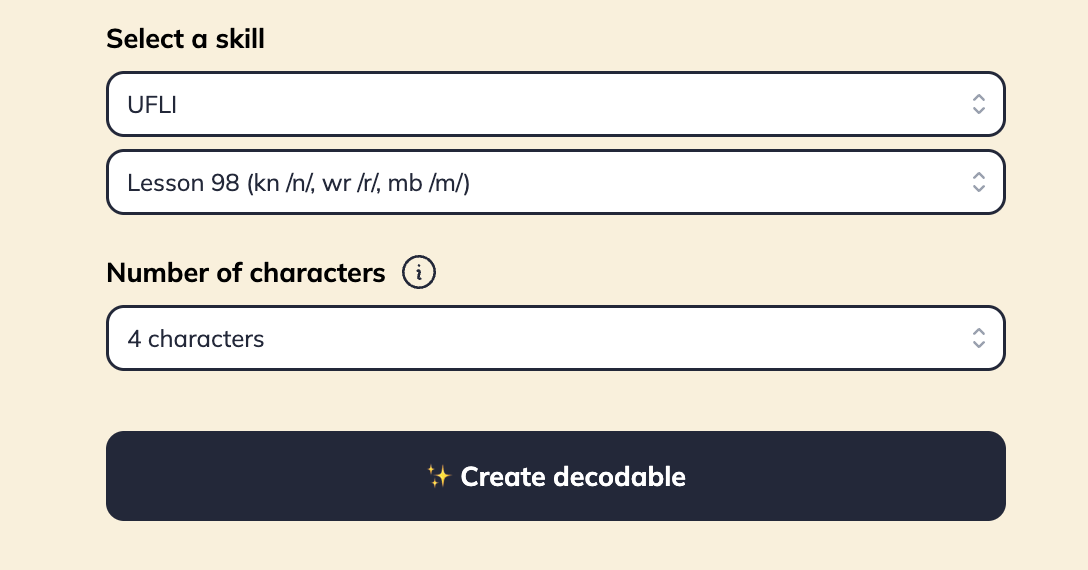
Pick your phonics skill
Same mechanism as Fiction and Non-fiction — the generator opens on a standard default skill for your program, so double-check your selection. Choose any skill in your sequence.
2
Choose number of characters
Pick 3, 4, or 5 characters from the dropdown. Match this to your small-group size.
3
Generate the script
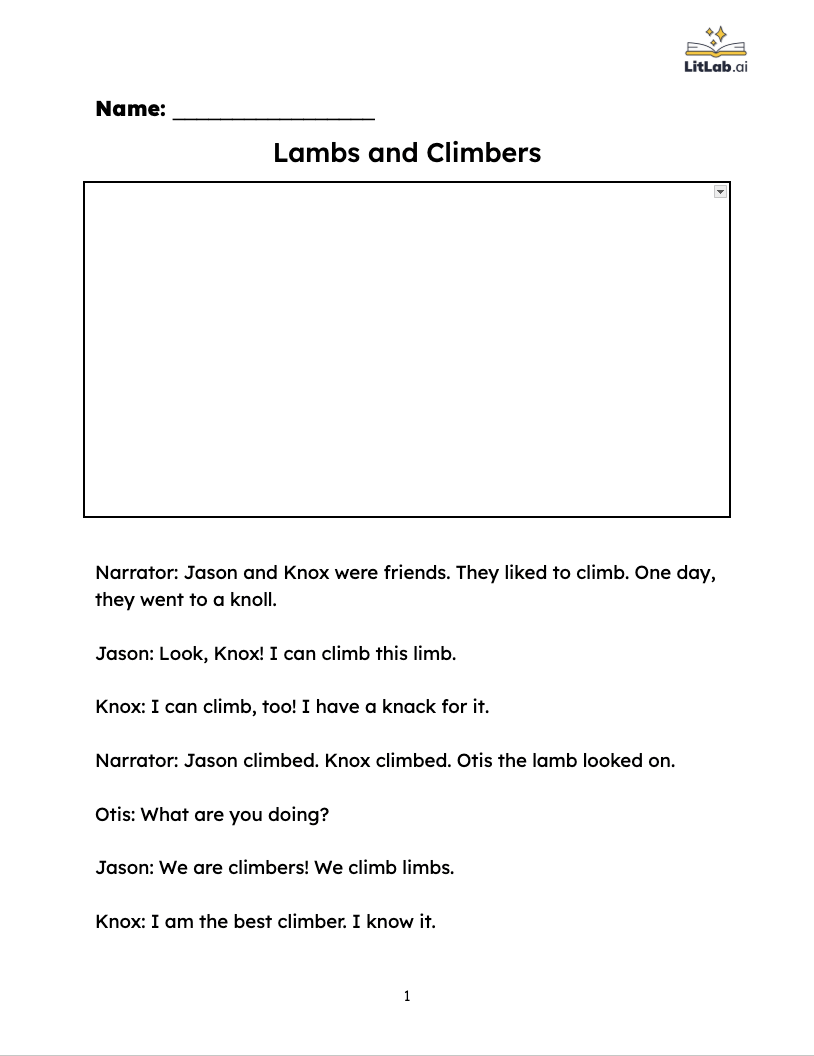
LitLab returns a script with dialogue and narration, all decodable up to your selected skill.
Scripts are text-only. LitLab doesn’t generate illustrations for Reader’s Theater.
Running Reader’s Theater in the Classroom
1
Day 1: Assign roles & cold read
Pass out scripts and have students read through their lines once with no rehearsal. Have students highlight their lines.
2
Day 2–3: Rehearse
Re-read in small groups. Coach prosody and pacing.
3
Day 4: Perform
Present to the class, a buddy class, or via recording.