
Fiction is one of three story types in LitLab’s generator — Fiction, Non-fiction, and Reader’s Theater all live on the same Generator page; switch between them with the tabs at the top.
Generating a Fiction Story
1
Pick your phonics skill
Choose any skill in your sequence from the skill picker.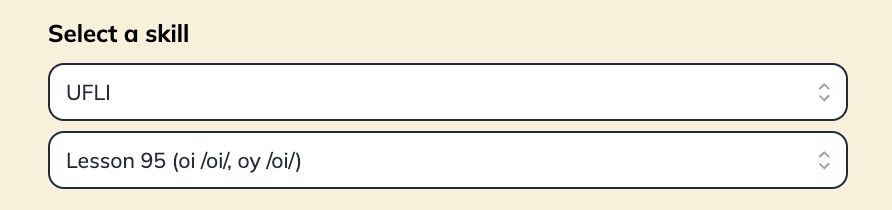
2
Choose a character
Pick from a curated list of characters (including seasonal options), or choose “girl”/“boy” and customize their look using preset options for eye color, skin tone, hair texture, and hair color.
3
Add a name and keywords
Want a character named after a student? Add a name. Want the story to involve a soccer game, a beach trip, or a missing pet? Add up to 4 keywords.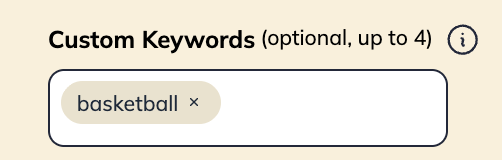
4
Set the story length
Use the slider to choose a length from 5–40 sentences.
5
Choose your illustration preferences
Select between a single illustration and a fully illustrated story (one image per page).
6
Generate
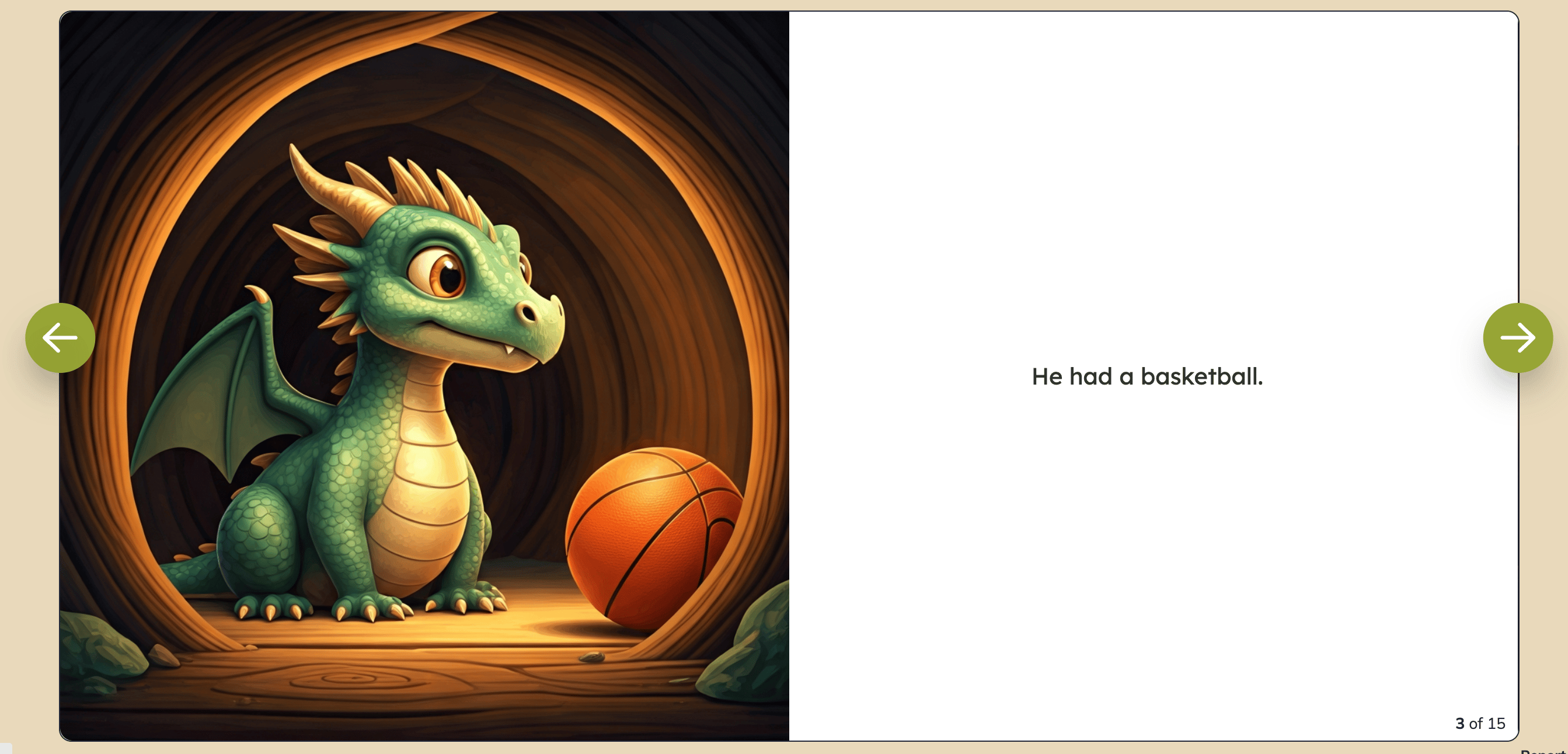
LitLab writes and illustrates your story. A fully illustrated story (an image on every page) can take a bit longer than a single-image story.
What You Can Customize
Generate one personalized decodable each week featuring a student’s name from your class. Students love discovering which of their classmates is featured in the weekly story!
Edit Before You Assign
Generated stories are fully editable — rewrite any page’s text, regenerate an illustration with your own custom prompt, add or delete pages, and edit the title or character name. See Editing & Remixing for more details.Access Your Stories
Generated stories are saved to My content, where you can find them later to re-assign or edit. Want to share a story with other teachers? Publish it to the Community Library — this makes it visible to other LitLab educators.Free accounts have a weekly limit on story generation that resets weekly (5 generations per week). Premium accounts have unlimited generation.