1
Start with the skill
Skill assignments work the same way in every grade. Identify the skill your student or group is working on, and build everything from there.
2
Search for nonfiction in the Grab-and-Go library first
Many Grab-and-Go stories have illustrations designed for younger students. The nonfiction decodables use more realistic images, which suit older readers better. Look for nonfiction texts on students’ target skill.Here’s an example of a nonfiction text from the Grab-and-Go library: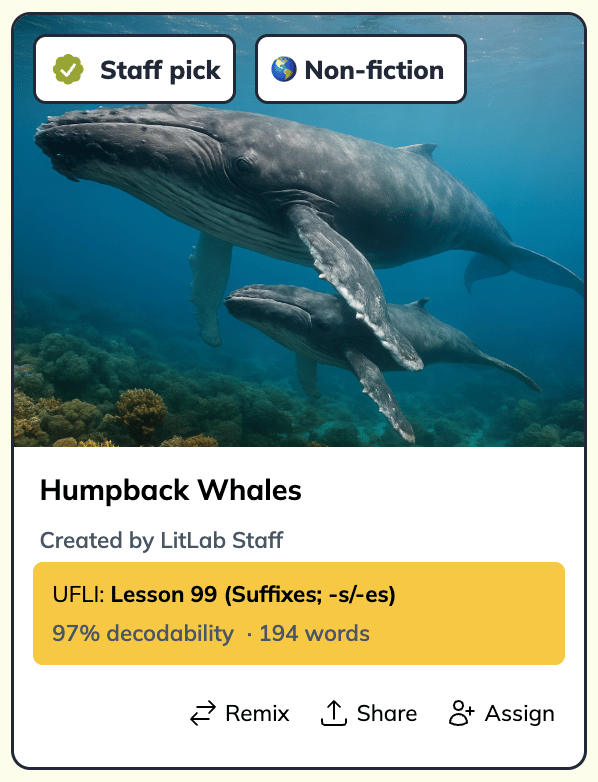
3
Generate interest-based nonfiction if you can't find a match
On the Create page, choose Nonfiction, select your student’s skill, and enter a topic they care about. See Nonfiction decodables for details.Many interventionists give students an interest inventory at the start of the year or when a group begins. Use the results to create texts students actually want to read. For example, a student who loves dogs could get a nonfiction decodable called “Why Do Dogs Pant?” aligned to the CKLA skill they’re working on.
4
Make fiction feel older
When you create fiction decodables: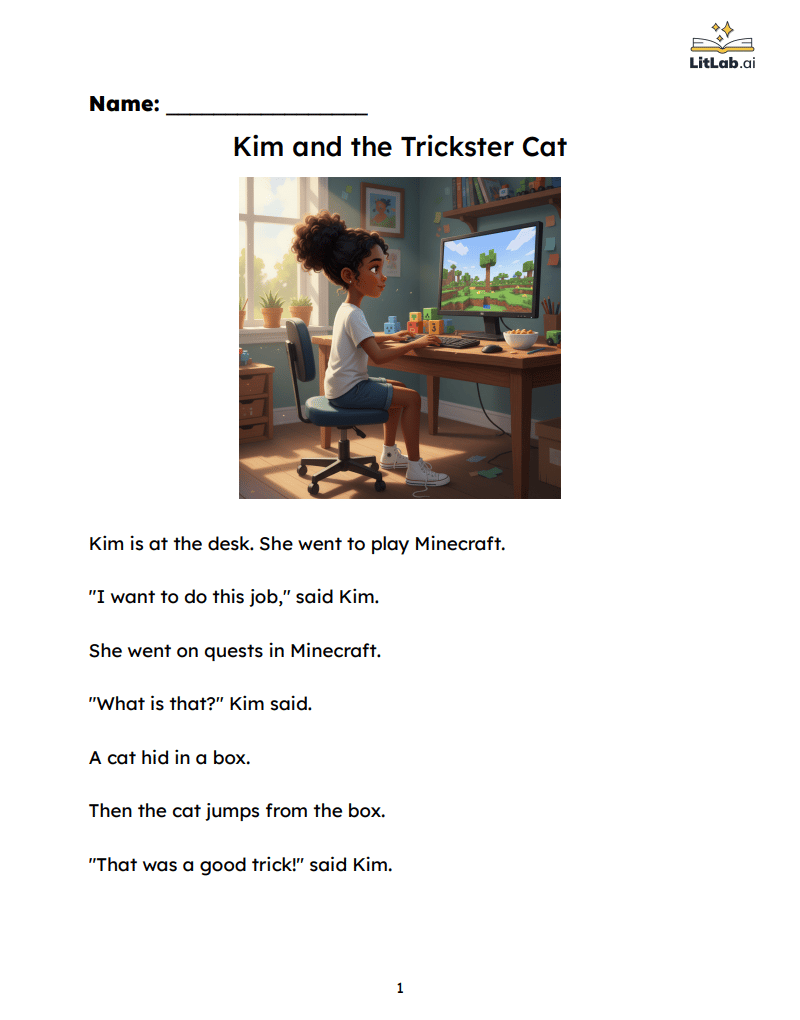
- Choose one illustration so the page looks like a text, not a picture book.
- Use the girl or boy character rather than the animal characters, which can feel young for this age.
- Use custom words to bring in student interests. For a third grader who loves Minecraft, type “Minecraft,” and it will be woven into the story.
5
Use Roll & Read for games
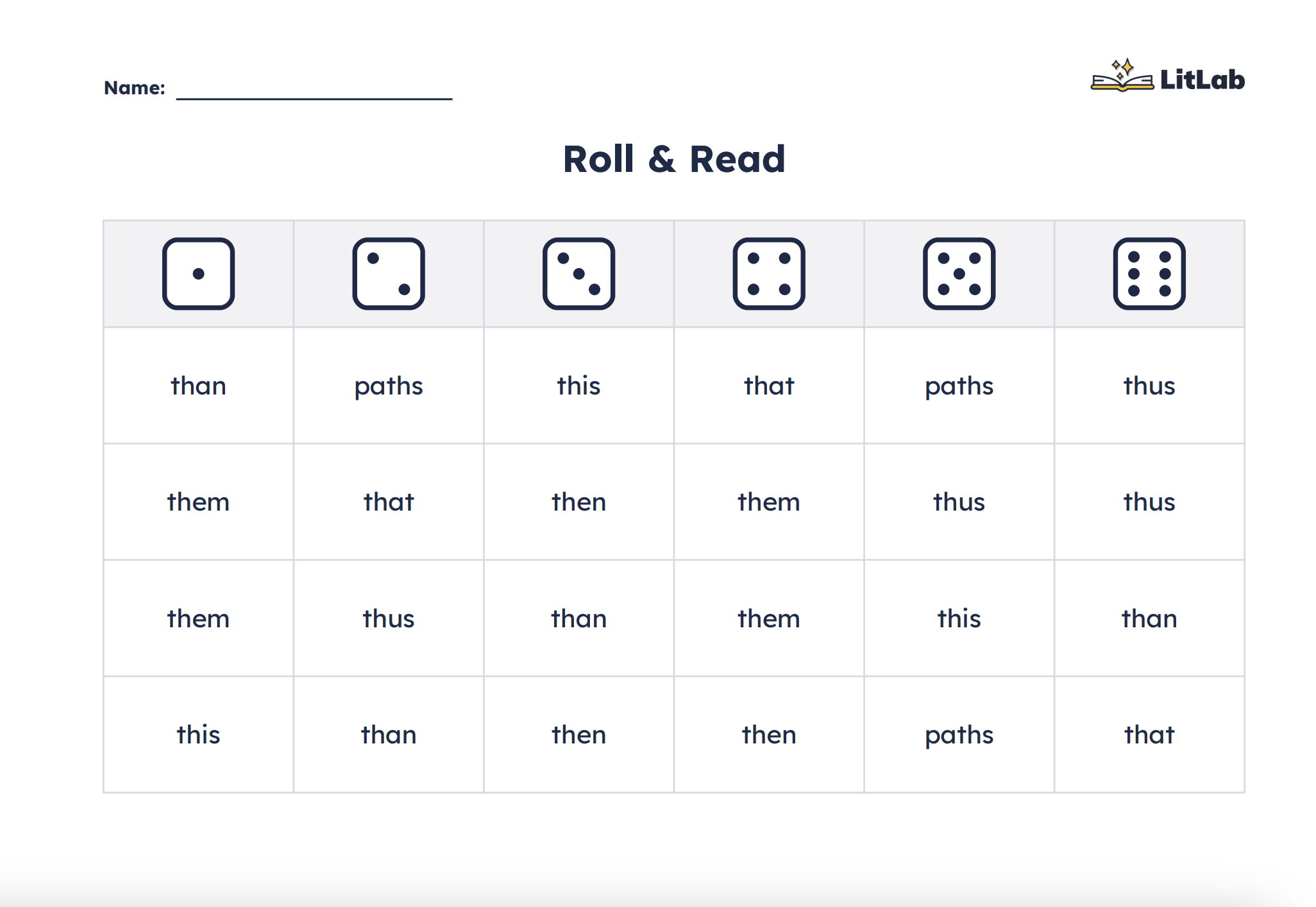
On the Create page, open Activities, then choose the Roll & Read printable to let intervention groups practice target skill words while playing, for example, in a Battleship-style game. Older students get repeated practice that feels like play rather than drills.