> ## Documentation Index
> Fetch the complete documentation index at: https://help.litlab.ai/llms.txt
> Use this file to discover all available pages before exploring further.
# Get Students Reading in Minutes
> Five quick steps to roster your class, assign a LitLab decodable, and start collecting oral reading fluency data from your students in about 10 minutes.
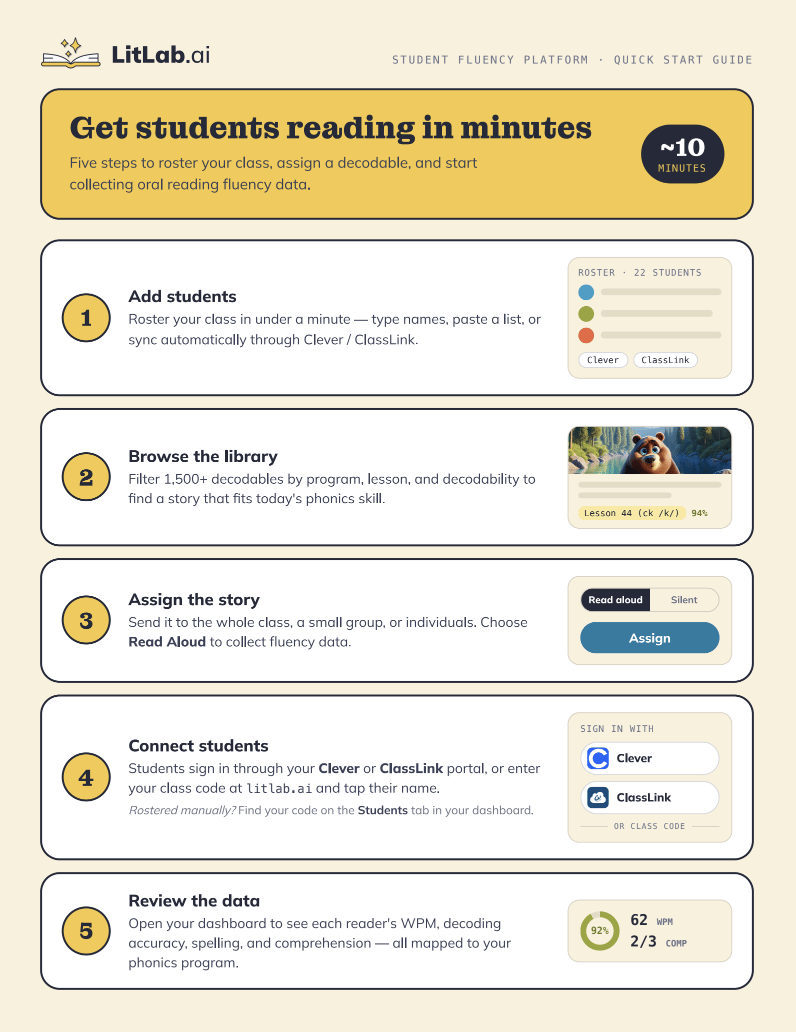
Five steps to roster your class, assign a decodable, and start collecting oral reading fluency data.
**Estimated time:** \~10 minutes
Perfect for printing and handing out to staff at PD meetings, coaching sessions, or team planning.
 **Want automatic progress monitoring?** **Premium Full Access** includes unlimited AI fluency analyses for every Read Aloud assignment, giving you a complete view of student growth. Free users and Premium Educator Access include 5 AI analyses per week.
Roster your class in under a minute — type names, paste a list, or sync automatically through Clever or ClassLink.
Filter 1,500+ decodables by program, lesson, and decodability to find a story that fits today's phonics skill.
Send it to the whole class, a small group, or individuals. Choose **Read Aloud** to collect fluency data.
Students sign in through your Clever or ClassLink portal, or enter your class code at [litlab.ai](https://www.litlab.ai?utm_source=help_center\&utm_medium=docs\&utm_content=student-quick-start) and tap their name.
Rostered manually? Find your code on the **Students** tab in your dashboard. See [Signing In](/getting-started/signing-in#signing-in-as-a-student) for more details.
Open your dashboard to see each reader's WPM, decoding accuracy, spelling, and comprehension — all mapped to your phonics program.
Walk through full account setup, rostering options, and classroom configuration [here](/getting-started/account-setup).
**Want automatic progress monitoring?** **Premium Full Access** includes unlimited AI fluency analyses for every Read Aloud assignment, giving you a complete view of student growth. Free users and Premium Educator Access include 5 AI analyses per week.
Roster your class in under a minute — type names, paste a list, or sync automatically through Clever or ClassLink.
Filter 1,500+ decodables by program, lesson, and decodability to find a story that fits today's phonics skill.
Send it to the whole class, a small group, or individuals. Choose **Read Aloud** to collect fluency data.
Students sign in through your Clever or ClassLink portal, or enter your class code at [litlab.ai](https://www.litlab.ai?utm_source=help_center\&utm_medium=docs\&utm_content=student-quick-start) and tap their name.
Rostered manually? Find your code on the **Students** tab in your dashboard. See [Signing In](/getting-started/signing-in#signing-in-as-a-student) for more details.
Open your dashboard to see each reader's WPM, decoding accuracy, spelling, and comprehension — all mapped to your phonics program.
Walk through full account setup, rostering options, and classroom configuration [here](/getting-started/account-setup).