> ## Documentation Index
> Fetch the complete documentation index at: https://help.litlab.ai/llms.txt
> Use this file to discover all available pages before exploring further.
# Let Students Create Their Own Decodable Stories
> Let students build their own personalized decodable stories in LitLab — always aligned to the phonics skill you have assigned, with safe teacher controls.
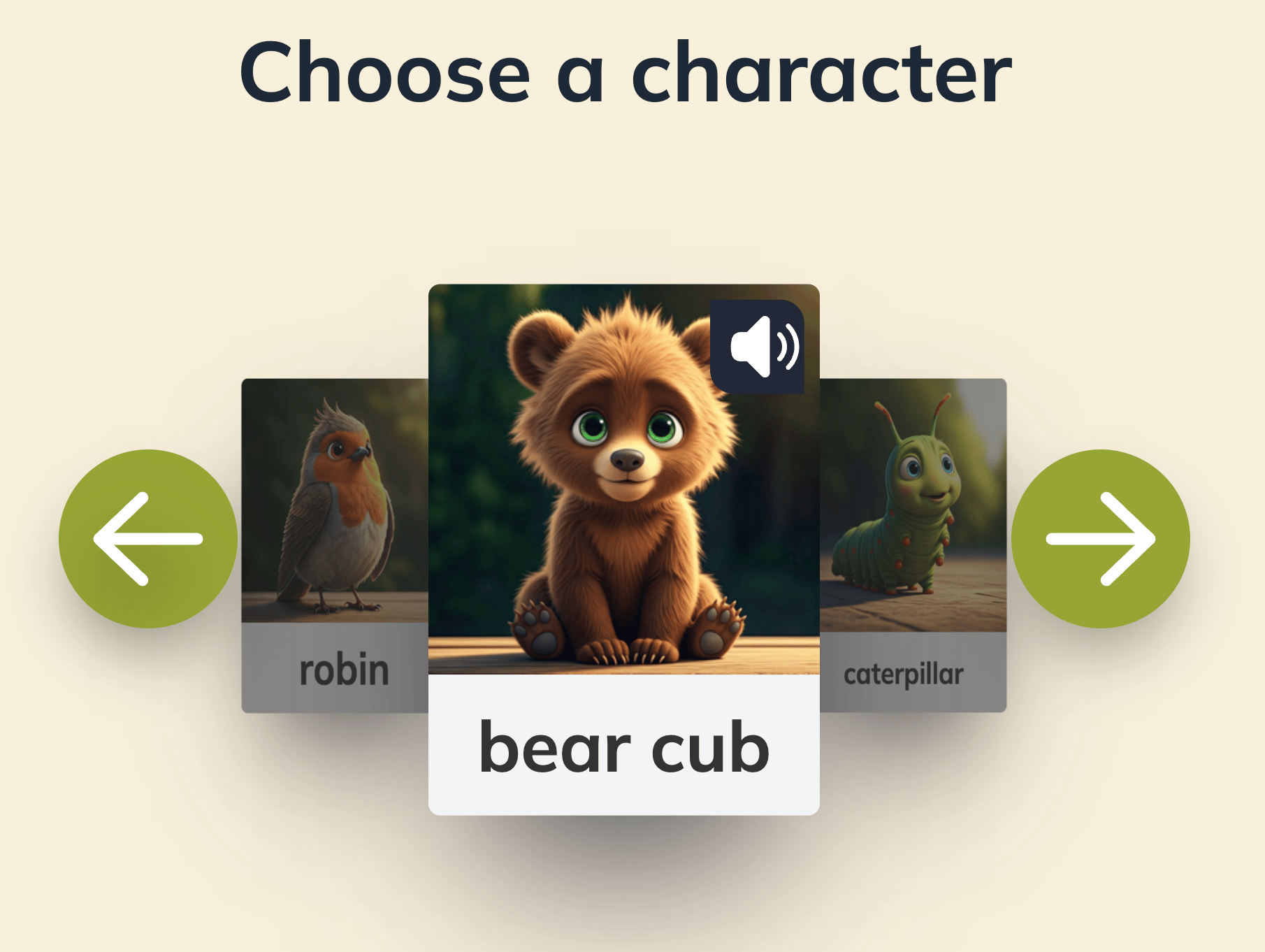
The **Student Creator** lets developing readers build their own decodable story by tapping through picture cards for a character, a setting, and a name. The result is a personalized story they're motivated to read, always aligned to the phonics skill you've assigned them.
**We hold strict safety standards for students interacting with AI.** Students never use a text-input AI. There is no chatbot, no open-ended prompt, no place to type. Students tap picture cards; AI runs entirely behind the scenes to assemble a decodable, skill-aligned story from their selections.
## How It Works
The student taps through a carousel of character cards.
 If the chosen character has settings tied to it, the student picks one; if not, this step is skipped automatically.
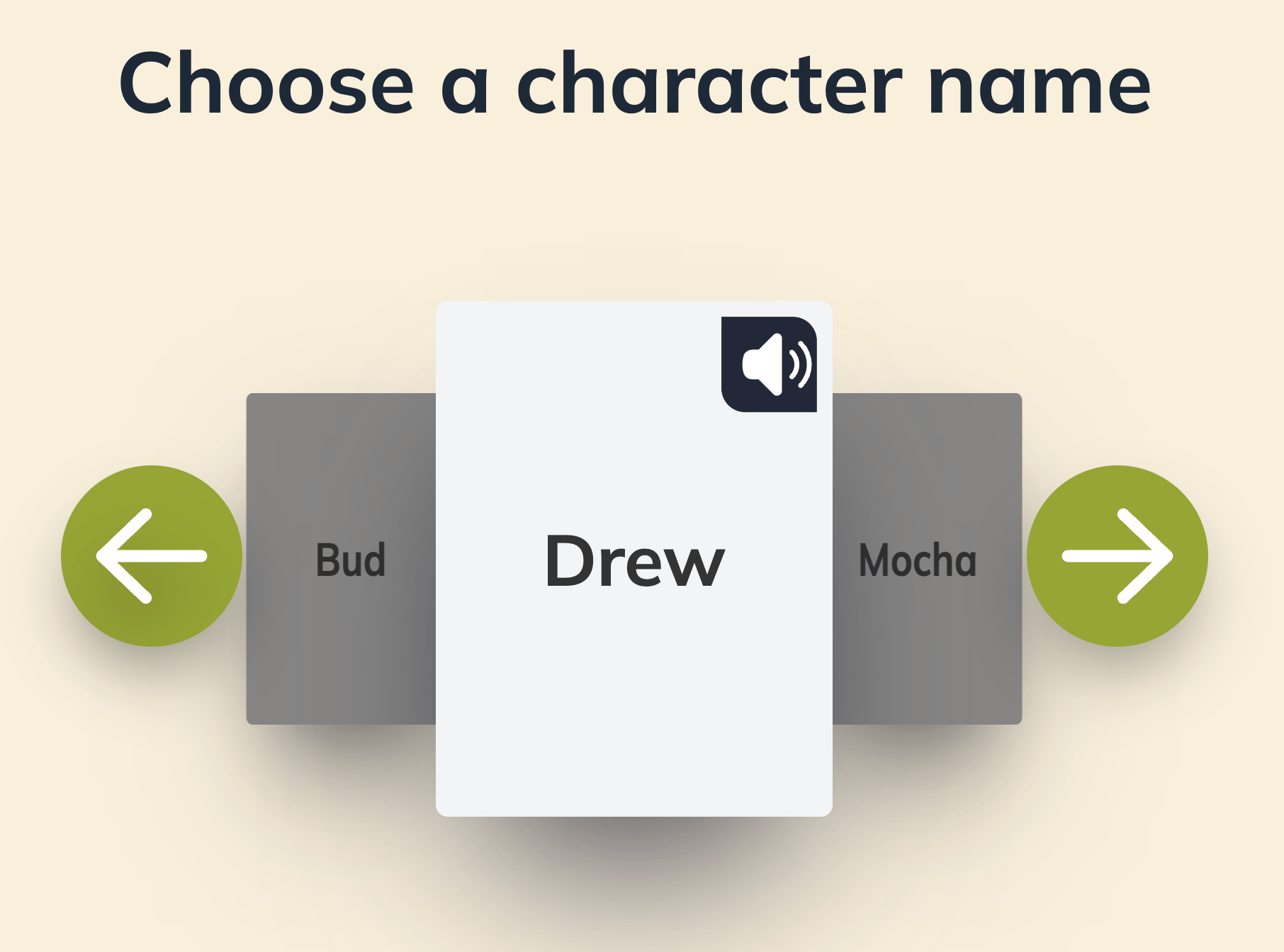
The student taps a name card — one of the options is always pre-filled with their own first name.
If the chosen character has settings tied to it, the student picks one; if not, this step is skipped automatically.
The student taps a name card — one of the options is always pre-filled with their own first name.
 A decodable story is built from the student's selections, aligned to whatever skill they're currently assigned.
As students wait for the story to generate, they play a High-Frequency Word matching game, with words that come directly from the skill you assigned them.
The student reads their personalized story.
**Students do not record while reading their creations.** Recording is available for assigned texts.
## Why It Works for Developing Readers
* **Agency without risk.** Students feel ownership without any open-ended AI input.
* **Motivation.** Students re-read their own story more willingly than an assigned one.
* **A name they know.** One of the name options is always their own first name — many students pick it.
## What You Control
| Setting | What you decide |
| -------------------- | -------------------------------------------------------------------------------------------------------------------------------------------------------------------------------------------------------------------------------- |
| Phonics skill | Set via a regular skill-based assignment — students create within whatever skill you've currently assigned them |
| Illustrations | "One illustration" vs. "Fully illustrated" (full illustration mode is a Premium feature).
A decodable story is built from the student's selections, aligned to whatever skill they're currently assigned.
As students wait for the story to generate, they play a High-Frequency Word matching game, with words that come directly from the skill you assigned them.
The student reads their personalized story.
**Students do not record while reading their creations.** Recording is available for assigned texts.
## Why It Works for Developing Readers
* **Agency without risk.** Students feel ownership without any open-ended AI input.
* **Motivation.** Students re-read their own story more willingly than an assigned one.
* **A name they know.** One of the name options is always their own first name — many students pick it.
## What You Control
| Setting | What you decide |
| -------------------- | -------------------------------------------------------------------------------------------------------------------------------------------------------------------------------------------------------------------------------- |
| Phonics skill | Set via a regular skill-based assignment — students create within whatever skill you've currently assigned them |
| Illustrations | "One illustration" vs. "Fully illustrated" (full illustration mode is a Premium feature).
Learn more in [Student Illustration Preferences](/account/teacher-settings#student-illustration-preferences). |
| Classmate visibility | One class-wide toggle — allow or block students from seeing each other's creations.
Learn more in [Allow Students to Read Classmates' Stories](/account/teacher-settings#allow-students-to-read-classmates-stories). |
Students are capped at a fixed number of 3 creations per day platform-wide.
## Classroom Ideas
* **Independent rotation.** Students who finish their assigned story early can build one for fun.
* **Choice writing.** Use the Student Creator as the "draft" stage of a writing block — students see model decodable structure.
* **Engagement boost.** Reluctant readers often re-read their own creations dozens of times.
Turn on "Allow students to read their classmates' stories" so students can also enjoy what their peers created.