> ## Documentation Index
> Fetch the complete documentation index at: https://help.litlab.ai/llms.txt
> Use this file to discover all available pages before exploring further.
# Generate Reader's Theater Scripts for Fluency Practice
> Reader's Theater scripts are decodable and give students character parts to read aloud, combining phonics practice with collaborative oral reading.
Reader's Theater turns decodable practice into a collaborative reading experience. Students take on different character parts, read aloud as a group, and re-read together — combining the benefits of repeated reading with the engagement of performance.
## Why Reader's Theater Works
| Benefit | What it does |
| -------------------- | -------------------------------------------------------------------------- |
| **Repeated reading** | Each rehearsal is another pass through aligned decodable text |
| **Prosody practice** | Performance encourages expressive reading |
| **Engagement** | Group reading and character parts make practice fun |
| **Differentiation** | Assign longer parts to stronger readers, shorter parts to emerging readers |
## Generating a Script
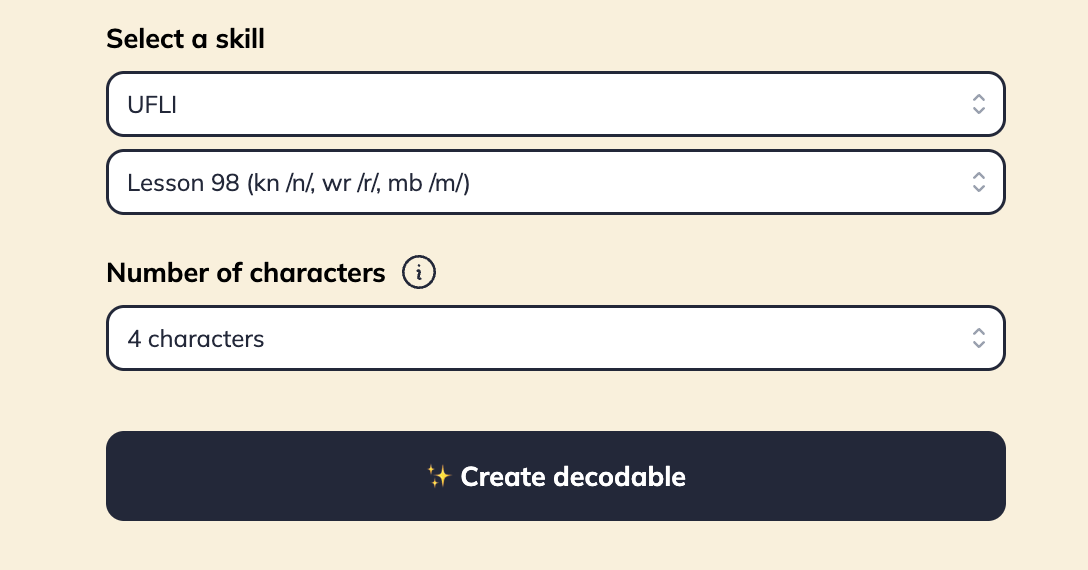
Same mechanism as Fiction and Non-fiction — the generator opens on a standard default skill for your program, so double-check your selection. Choose any skill in your sequence.
Pick 3, 4, or 5 characters from the dropdown. Match this to your small-group size.
LitLab returns a script with dialogue and narration, all decodable up to your selected skill.
 Scripts are text-only. LitLab doesn't generate illustrations for Reader's Theater.
## Running Reader's Theater in the Classroom
Pass out scripts and have students read through their lines once with no rehearsal. Have students highlight their lines.
Re-read in small groups. Coach prosody and pacing.
Present to the class, a buddy class, or via recording.
Scripts are text-only. LitLab doesn't generate illustrations for Reader's Theater.
## Running Reader's Theater in the Classroom
Pass out scripts and have students read through their lines once with no rehearsal. Have students highlight their lines.
Re-read in small groups. Coach prosody and pacing.
Present to the class, a buddy class, or via recording.
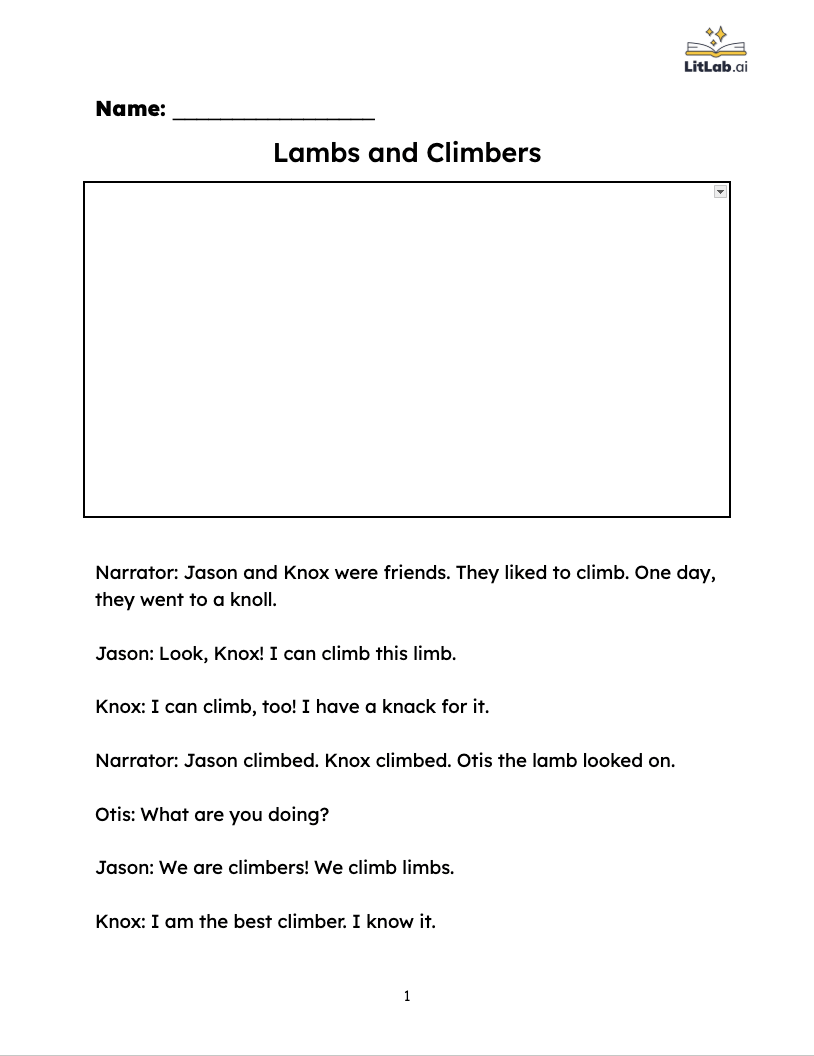 Reader's Theater scripts print as a "Read and Draw" Google Doc, the same as Non-fiction texts. There's no per-role print option yet, so each group works from the same copy of the full script.