> ## Documentation Index
> Fetch the complete documentation index at: https://help.litlab.ai/llms.txt
> Use this file to discover all available pages before exploring further.
# Generate Custom Nonfiction Decodable Texts in LitLab
> Create informational decodable texts aligned to your phonics lesson — ideal for content-area vocabulary and building knowledge while practicing phonics.
Nonfiction texts let you build content-area knowledge while students practice their decoding skills. Enter any topic — volcanoes, frogs, the water cycle, community helpers — and LitLab generates an informational text that stays mostly decodable up to the phonics skill you choose.
Non-fiction is one of three decodable types in LitLab's generator — Fiction, Non-fiction, and Reader's Theater all live on the same **Generator** page; switch between them with the tabs at the top.
## Why Nonfiction Decodables Matter
The Science of Reading research is clear: vocabulary and background knowledge are major drivers of reading comprehension. Pairing decodable practice with science and social studies content builds both at once.
## Generating a Nonfiction Text
Choose "Decodable up to what skill?" for your phonics program. Nonfiction passages tend to be slightly less decodable than Fiction or Reader's Theater texts, since the topic itself constrains word choice. A passage may not concentrate heavily on target skill words, but it stays highly readable up to the skill you select.
Type any topic as free text (e.g., "Why do animals hibernate in the winter?"). Every topic is checked against content moderation before generating.
Enter up to 3 comma-separated, content-specific words you want woven into the text (e.g., "hibernate, burrow, mammal"). Adding vocab words may reduce decodability.
LitLab produces an informational text aligned to your topic and phonics skill.
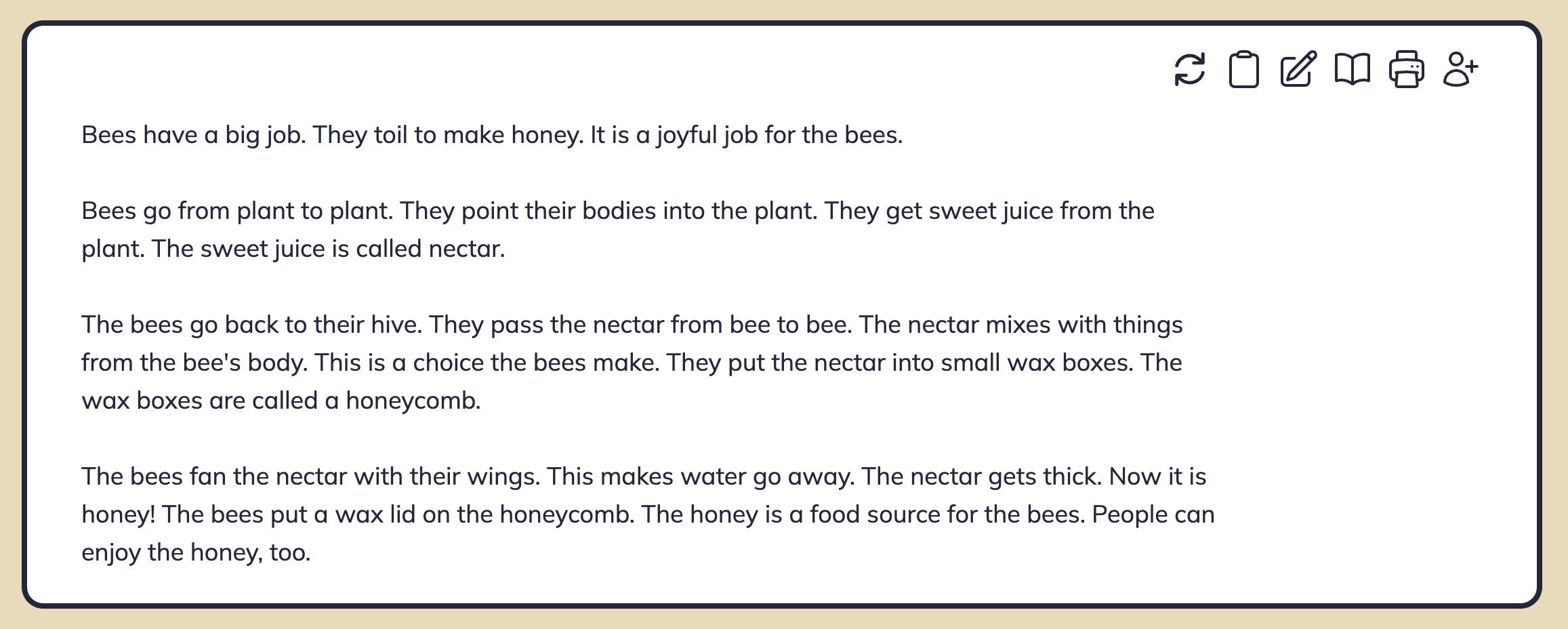 Nonfiction texts are text-only — LitLab doesn't generate illustrations for nonfiction stories, and there's no length control to set; each text uses a standard length for the selected skill.
## Aligning with Your Curriculum
Nonfiction decodables work especially well when paired with:
* **Science units** — read a decodable on plants while you teach a plant unit
* **Social studies content** — community helpers, holidays, U.S. symbols
* **Cross-curricular themes** — friendship, kindness, problem-solving
Generate a topical nonfiction decodable on Monday for the week's content unit. Students get five days of repeated reading on content vocabulary while practicing the week's phonics.
## Words to Pre-Teach
Every generated story — fiction or nonfiction — comes with a Vocabulary Guide that surfaces "words to pre-teach" before students read. A word gets flagged for pre-teaching when it isn't your target skill word, isn't a review word from an earlier skill, and isn't on the high-frequency word list for your sequence. Because nonfiction leans on more content-specific vocabulary, it typically surfaces a longer pre-teach list than fiction at the same skill level.
Nonfiction texts are text-only — LitLab doesn't generate illustrations for nonfiction stories, and there's no length control to set; each text uses a standard length for the selected skill.
## Aligning with Your Curriculum
Nonfiction decodables work especially well when paired with:
* **Science units** — read a decodable on plants while you teach a plant unit
* **Social studies content** — community helpers, holidays, U.S. symbols
* **Cross-curricular themes** — friendship, kindness, problem-solving
Generate a topical nonfiction decodable on Monday for the week's content unit. Students get five days of repeated reading on content vocabulary while practicing the week's phonics.
## Words to Pre-Teach
Every generated story — fiction or nonfiction — comes with a Vocabulary Guide that surfaces "words to pre-teach" before students read. A word gets flagged for pre-teaching when it isn't your target skill word, isn't a review word from an earlier skill, and isn't on the high-frequency word list for your sequence. Because nonfiction leans on more content-specific vocabulary, it typically surfaces a longer pre-teach list than fiction at the same skill level.