> ## Documentation Index
> Fetch the complete documentation index at: https://help.litlab.ai/llms.txt
> Use this file to discover all available pages before exploring further.
# Using LitLab with Grades 3-5
> How to use LitLab for intervention with older readers in grades 3-5, from skill-based assignments to interest-driven nonfiction and games.
In grades 3-5, LitLab is usually used for intervention. Research shows fluency still drives comprehension at this age, and older readers engage most with texts that feel age-appropriate and reflect their interests.
Skill assignments work the same way in every grade. Identify the skill your student or group is working on, and build everything from there.
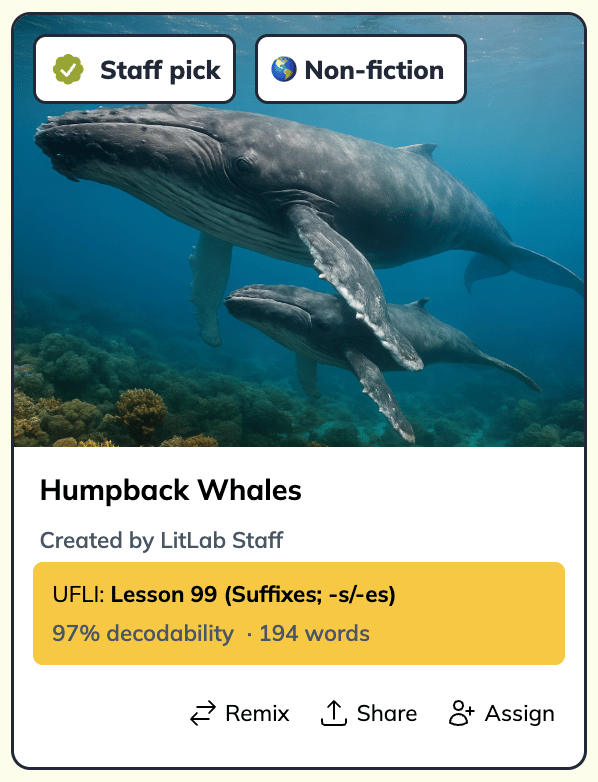
Many [Grab-and-Go](/library/grab-and-go) stories have illustrations designed for younger students. The nonfiction decodables use more realistic images, which suit older readers better. Look for nonfiction texts on students' target skill.
Here's an [example of a nonfiction text](https://www.litlab.ai/library/cmq5yx6g30015l404gnkqe73o?sequence=ufli\&ref=gallery_item_staff_pick) from the Grab-and-Go library:
 On the **Create** page, choose **Nonfiction**, select your student's skill, and enter a topic they care about. See [Nonfiction decodables](/generator/nonfiction-stories) for details.
Many interventionists give students an interest inventory at the start of the year or when a group begins. Use the results to create texts students actually want to read. For example, a student who loves dogs could get a nonfiction decodable called "Why Do Dogs Pant?" aligned to the CKLA skill they're working on.
When you create [fiction decodables](/generator/fiction-stories):
* **Choose one illustration** so the page looks like a text, not a picture book.
* **Use the girl or boy character** rather than the animal characters, which can feel young for this age.
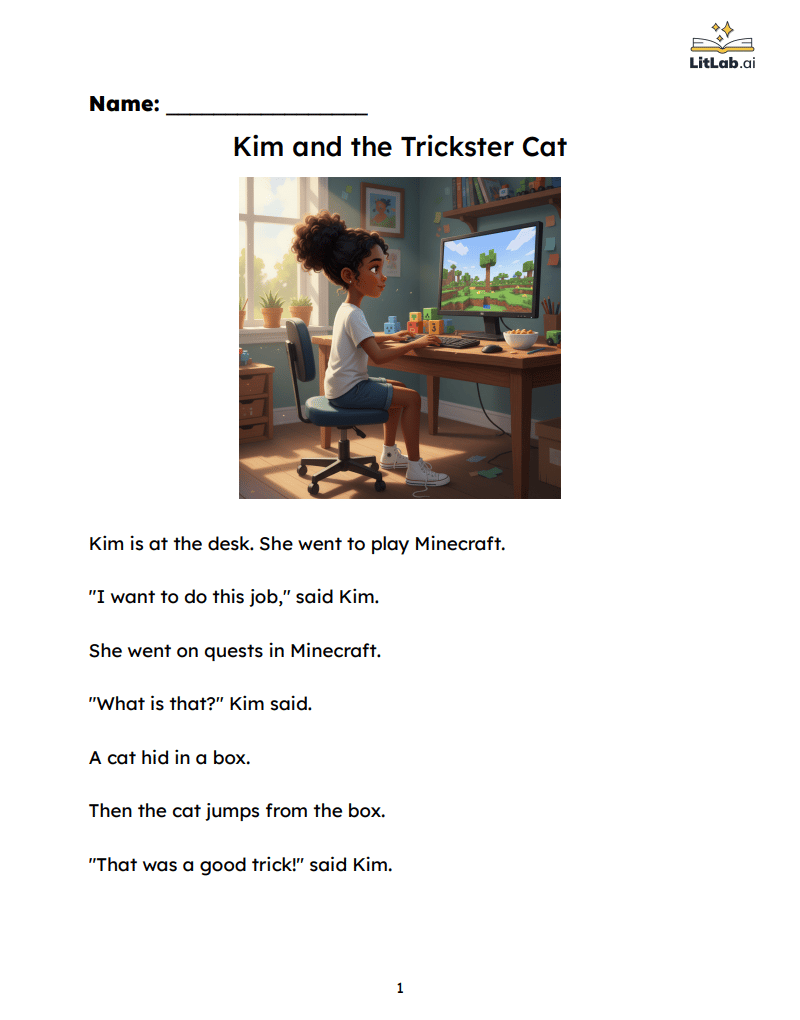
* **Use custom words** to bring in student interests. For a third grader who loves Minecraft, type "Minecraft," and it will be woven into the story.
Here's a one-illustration fiction decodable that still targets a foundational skill but feels right for an older reader:
On the **Create** page, choose **Nonfiction**, select your student's skill, and enter a topic they care about. See [Nonfiction decodables](/generator/nonfiction-stories) for details.
Many interventionists give students an interest inventory at the start of the year or when a group begins. Use the results to create texts students actually want to read. For example, a student who loves dogs could get a nonfiction decodable called "Why Do Dogs Pant?" aligned to the CKLA skill they're working on.
When you create [fiction decodables](/generator/fiction-stories):
* **Choose one illustration** so the page looks like a text, not a picture book.
* **Use the girl or boy character** rather than the animal characters, which can feel young for this age.
* **Use custom words** to bring in student interests. For a third grader who loves Minecraft, type "Minecraft," and it will be woven into the story.
Here's a one-illustration fiction decodable that still targets a foundational skill but feels right for an older reader:
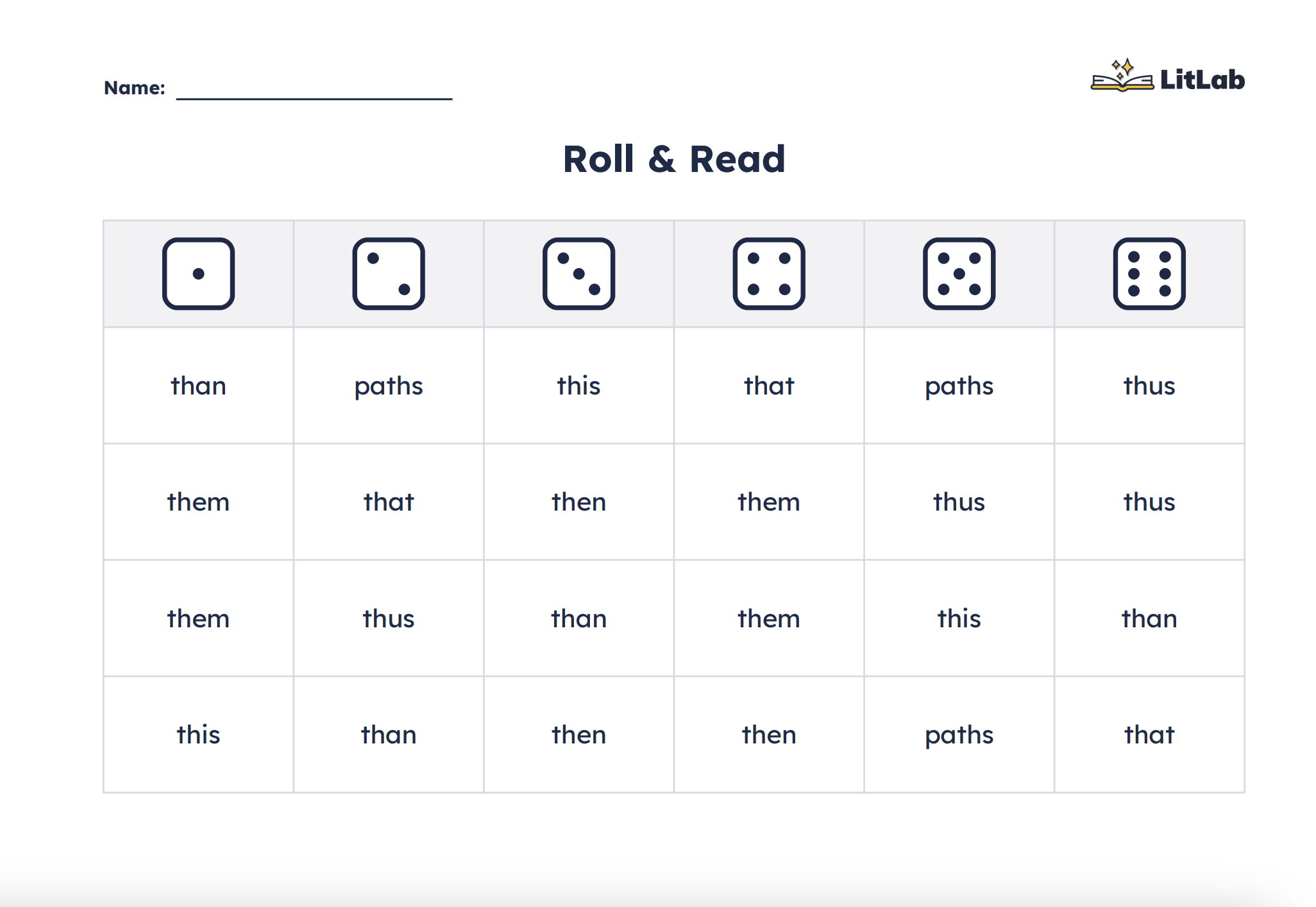
 On the **Create** page, open **Activities**, then choose the Roll & Read [printable](https://help.litlab.ai/generator/printable-activities) to let intervention groups practice target skill words while playing, for example, in a Battleship-style game. Older students get repeated practice that feels like play rather than drills.
 Present LitLab to older students as fluency and skill practice, not remediation. Connecting texts to their interests or to what they're learning in class helps a lot.
This documentation is built and hosted on [Mintlify](https://mintlify.com), a developer documentation platform.
Present LitLab to older students as fluency and skill practice, not remediation. Connecting texts to their interests or to what they're learning in class helps a lot.
This documentation is built and hosted on [Mintlify](https://mintlify.com), a developer documentation platform.